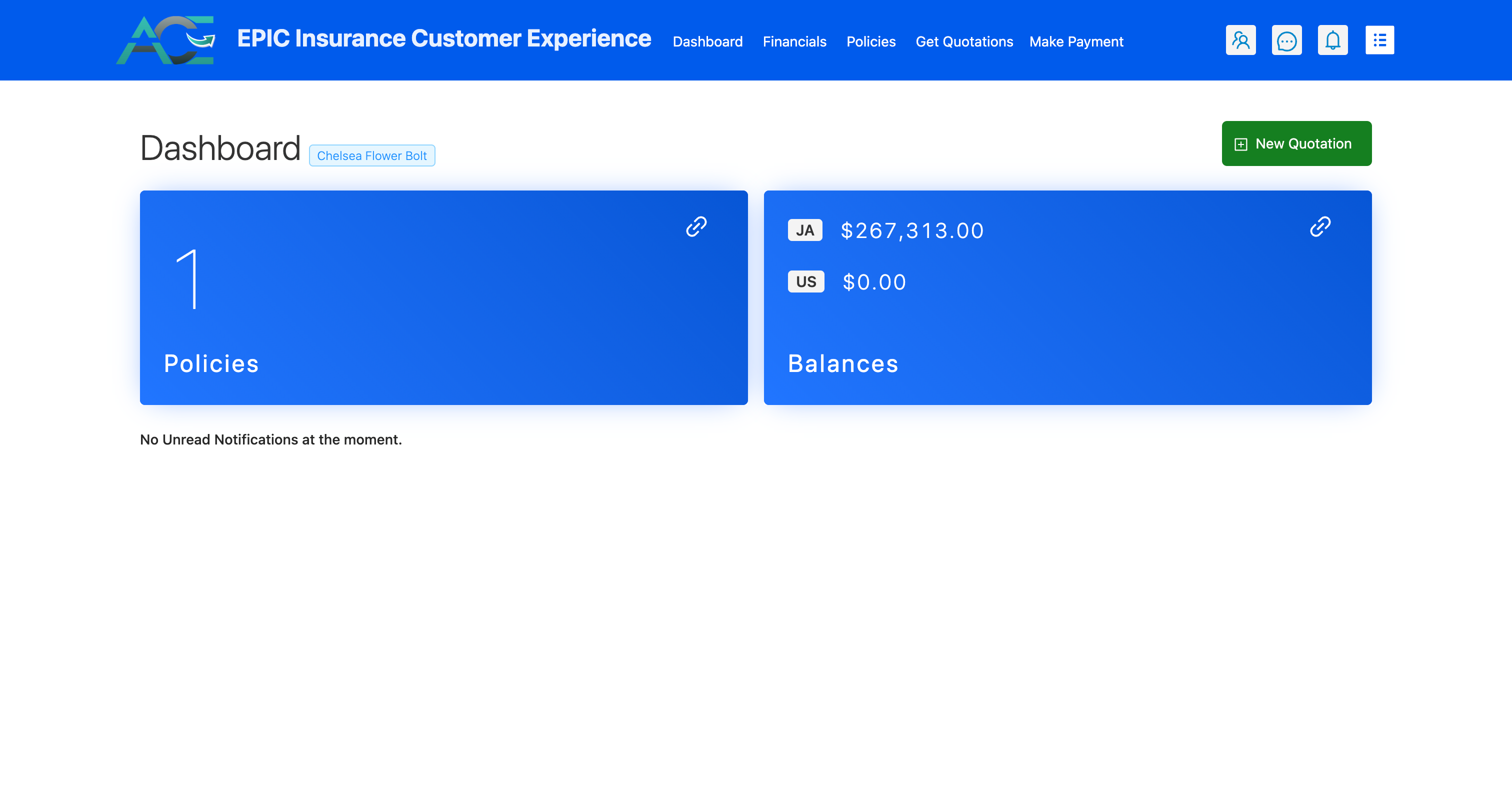
# Getting started / Create Account / Register
NOTE
To create an account you will need:
- A policy Id for any policy with active broker/ insurer
- TRN Number associated with that Policy Holder
- A working email address that can receieve emails
Create an account by following the following steps:
Navigate to ACE login page
Click on register now! below password field
Fill in the required information
Important
You are only required to input the numeric portion of the Policy Id and not sections such as CP-, TP-, etc...
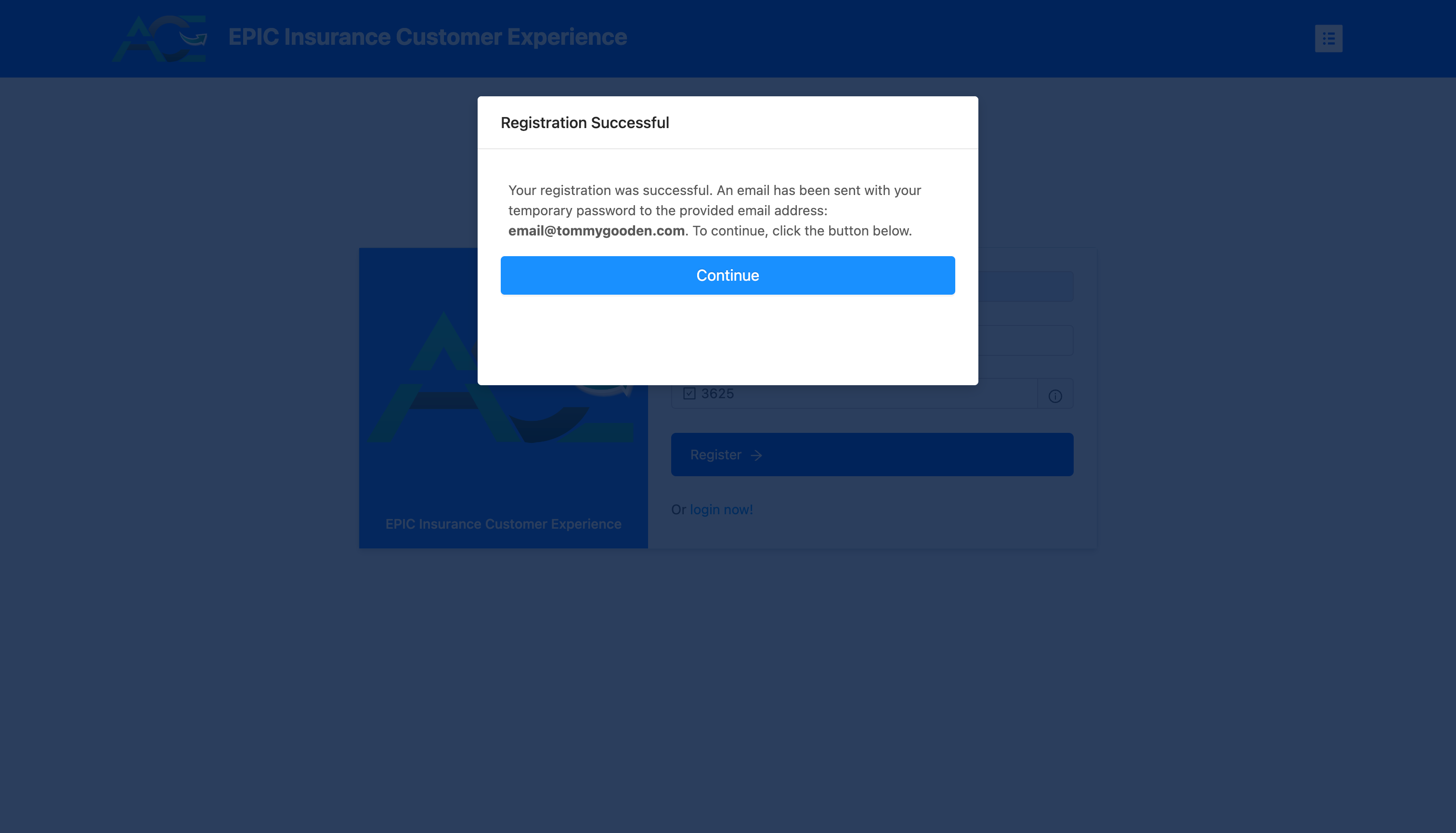
Click on the Register button and you will be presented with a confirmation screen once the information you provided is accurate.
Check your email for validation link
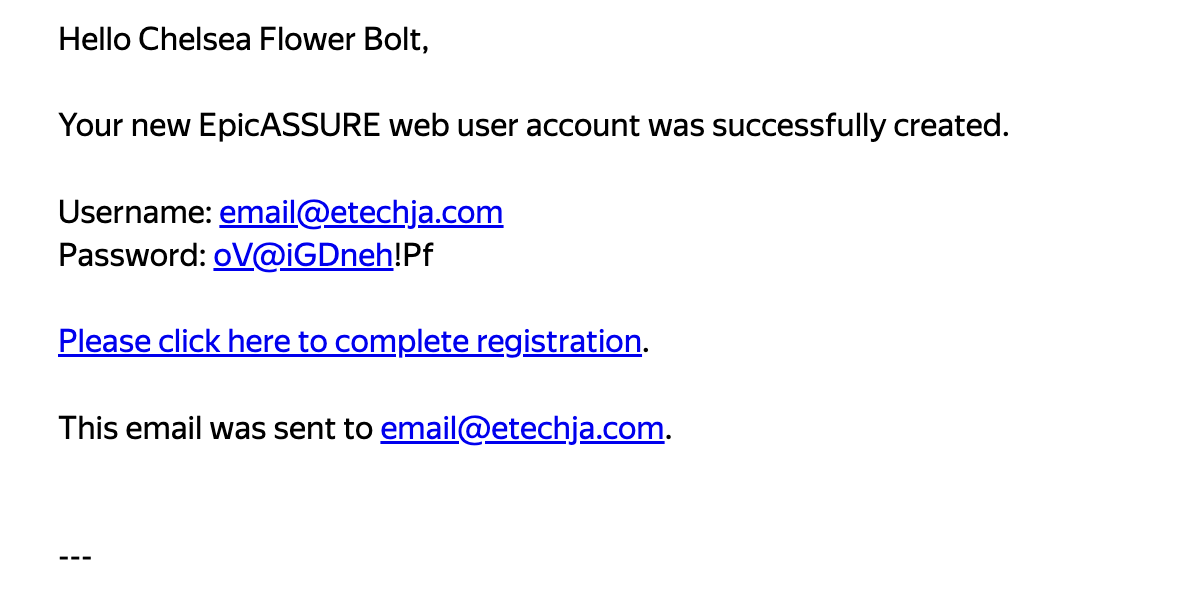
You can click on the link in your email and will be taken back to the site where the password will be validated and you will be asked to fill in your password and security question.
You may also copy the password from the email and then paste the password in the box with your email.
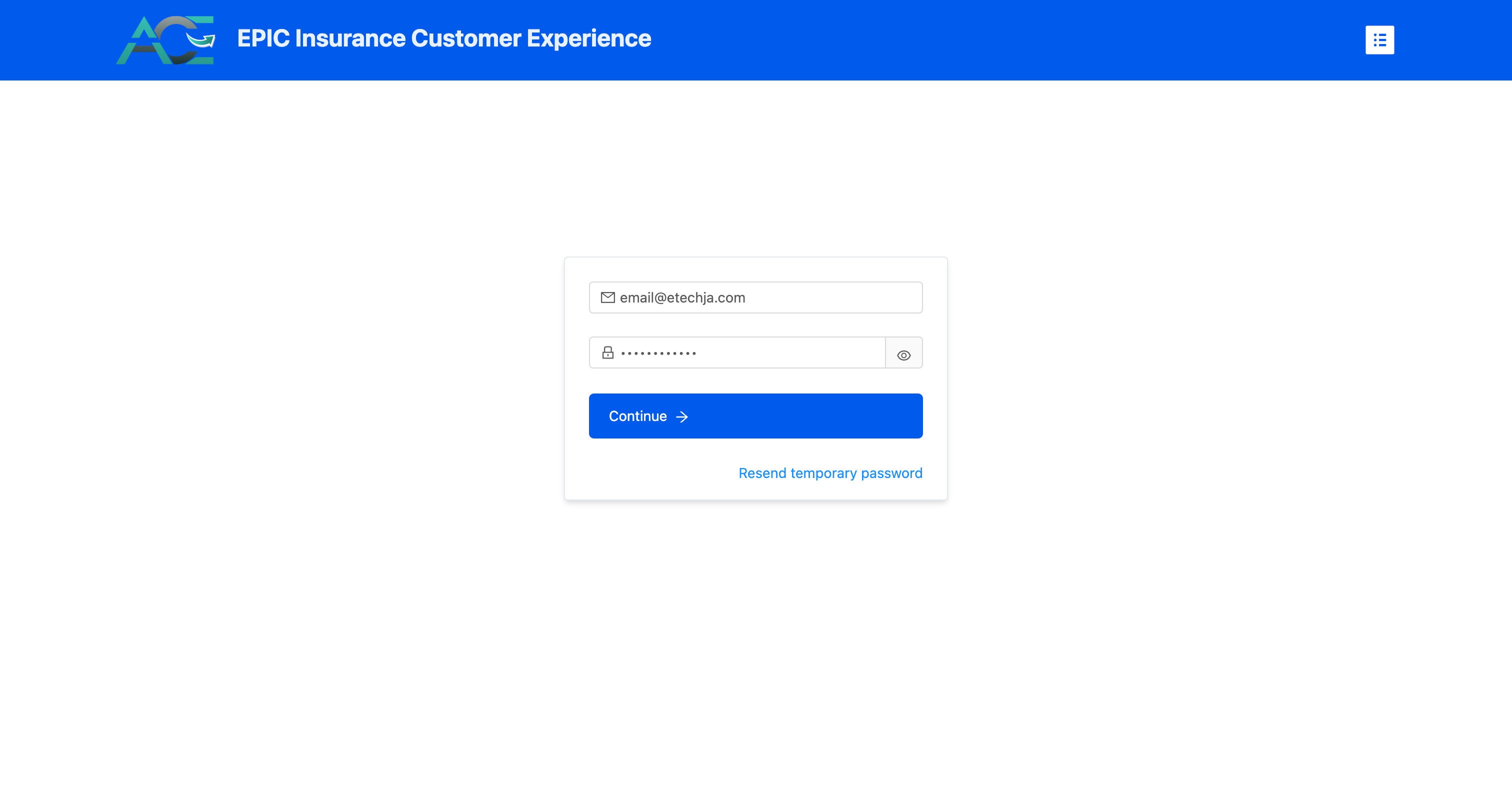
- You will then be taken to the page to set your password and security questions if everything was input correctly.
- If not, then you may request a new code and you can try again.
Required
You are required to set a matching password pair as well as both security questions and answers in order to move forward. These questions will be asked at the time of login, randomly and you will not be able to login without the correct answer so please take note of the question and answer you choose.
Once you have set your password and security questions you will then be redirected to your new ACE Dashboard.